You have a repetitive workflow that’s eating your team’s time — lead triage, invoice extraction, customer support routing. You’ve heard AI agents can automate this, but every tutorial starts with Python imports and API keys. In 2026, that barrier has evaporated. No-code AI agent platforms let anyone — from operations leads to product managers — build, deploy, and monitor production AI agents without writing a single line of code.
The bottom line: You can build a production-ready AI agent in under 10 minutes using today’s no-code platforms. The key is matching the right tool to your workflow complexity — and knowing the four components every agent needs to succeed in production.
The Problem: You Don’t Need a Developer to Build an AI Agent
In 2025, building an AI agent meant wrangling LangChain, setting up vector stores, managing API rate limits, and debugging async Python — a process that required a skilled engineer and weeks of iteration. By May 2026, the landscape has shifted dramatically:
- 88% of organizations now use AI in at least one business function (McKinsey 2025McKinsey, The State of AI in 2025)
- 40% of enterprise applications will embed task-specific AI agents by end of 2026 (GartnerGartner, Forecast: AI Agents in Enterprise Applications)
- 79% of companies are already adopting AI agents in their organizations (PwC 2025PwC, 2025 AI Business Survey)
- 62% are at least experimenting — but only 23% have scaled to production in any function McKinsey, The State of AI in 2025
The gap between experimentation and production isn’t technical skill anymore. It’s knowing the right tool, the right architecture, and the right deployment pattern. Here’s how to close that gap — no code required.
The Four Components Every No-Code AI Agent Needs
Every AI agent — whether built by a senior engineer or a product manager — has four core components. Understanding these is the foundation of building agents that work:
| Component | What it does | No-code equivalent |
|---|---|---|
| Perception | How the agent reads input (email, chat, file, webhook) | Trigger nodes, webhook receivers, email parsers |
| Reasoning | The LLM that decides what to do next | Model selector (GPT-4o, Claude, Gemini) with system prompt |
| Tools | The integrations it acts through (CRM, database, Slack) | Pre-built connector nodes with OAuth |
| Memory | What it remembers across conversations | Session storage, vector databases, file context |
Why this matters for no-code builders: Most failed agents miss one of these four components. A support agent without memory will ask “what’s your order number?” every single message. A lead-qualification agent without tools can’t update your CRM. Before building any agent, check: do I have all four?
When to Use This Template
Use this when: You’re evaluating which no-code platform to adopt, or building your first agent.
Do NOT use this when: You need sub-second latency or custom model fine-tuning — those still require code for now.
Copy-Paste Template: Agent Component Checklist
## Agent Design Checklist
- [ ] **Perception**: What input triggers this agent? (Email? Chat? Webhook? File upload?)
- [ ] **Reasoning**: Which LLM powers decisions? What system prompt defines its role?
- [ ] **Tools**: What external systems does it need? (CRM? Database? Email? Slack?)
- [ ] **Memory**: Does it need to remember past conversations? File context? User preferences?
- [ ] **Guardrails**: What should it NOT do? (Delete records? Approve payments? Email customers?)
The 5-Step No-Code Agent Build Process
Step 1: Pick Your Platform by Workflow Type
The no-code AI agent market has consolidated into four platform tiers in 2026:
Tier 1 — Workflow automation with AI: n8n, Zapier, Make
- Best for: Structured, multi-step automations (if-this-then-that with AI steps)
- n8n: 170,650 GitHub starsn8n GitHub Repository, open-source, self-hostable, 4,000+ community templates. Supports MCP (Model Context Protocol) for AI orchestration.
- Zapier: 7,000+ app integrations, AI Copilot translates natural language into workflows. Also supports MCP.
- Make: 10,000 operations/month at $9 — 13× more value than Zapier at half the price. Gartner, Forecast: AI Agents in Enterprise Applications
- Pricing: n8n free self-hosted; Zapier from $20/mo; Make from $9/mo PwC, 2025 AI Business Survey
Tier 2 — Purpose-built AI agent platforms: Lindy, Relevance AI, Vellum
- Best for: Conversational AI assistants that handle recurring team tasks
- Lindy: No-code AI assistant for email triage, scheduling, CRM updates. Fastest setup for task-specific agents.
- Relevance AI: Multi-agent orchestration — build teams of AI agents that collaborate on complex workflows.
- Vellum: Prompt-to-build agent builder — describe your goal in natural language, it builds the logic and connects tools automatically.
- Pricing: Lindy from $25/mo; Vellum free tier available, from ~$25/mo n8n GitHub Repository
Tier 3 — Open-source building blocks: n8n (self-hosted), Activepieces, Dify
- Best for: Teams with data privacy requirements or custom hosting needs
- Activepieces: Budget-friendly at $5/flow, MCP support, open-source alternative. Make (formerly Integromat) Platform
- Dify: Visual LLM application builder with RAG, agent, and workflow modes.
- Pricing: Free self-hosted (Activepieces, n8n); Dify from $50/mo cloud Lindy AI Platform
Tier 4 — Enterprise platforms: Microsoft Power Platform, ServiceNow, Salesforce Agentforce
- Best for: Organizations already in these ecosystems
- Features: Built-in governance, approval workflows, compliance controls
- Pricing: Included in enterprise licenses
Copy-Paste Template: Platform Decision Matrix
| If your need is…                     | Choose this platform       | Because…                                           |
|--------------------------------------|---------------------------|---------------------------------------------------|
| Structured multi-step automation     | n8n or Make               | Visual workflow builder, 1000+ integrations       |
| Conversational AI assistant          | Lindy or Vellum           | Purpose-built for LLM-powered conversations       |
| Multi-agent team collaboration       | Relevance AI              | Native multi-agent orchestration                   |
| Strict data privacy / self-hosting   | n8n (self-hosted)         | Open-source, no data leaves your infra            |
| Maximum existing integrations        | Zapier                    | 7,000+ apps, largest ecosystem                     |
| Free / low budget                    | n8n or Activepieces       | Both have free self-hosted tiers                   |
Step 2: Define Your Agent’s Goal and Scope
The most common no-code agent failure is scope creep. Define:
Goal: Automate lead qualification from inbound email
Scope: Read incoming email → extract company name, role, budget → check CRM for existing record →
       score lead (hot/warm/cold) → update CRM field → send Slack notification to sales
Out of scope: Send follow-up emails, set meetings, create contracts
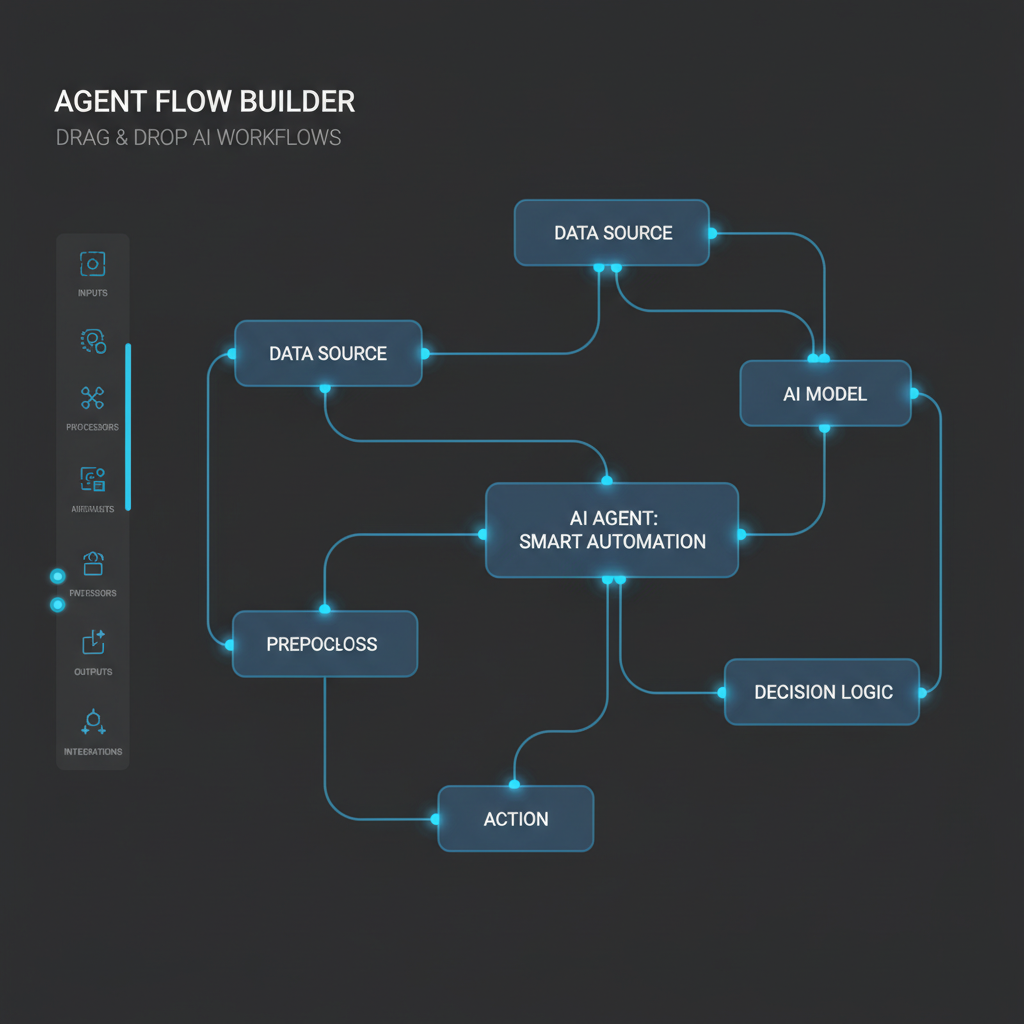
Step 3: Connect Your Tools (The 10-Minute Setup)
In 2026, every major no-code platform supports OAuth connections to popular services. Here’s what connecting a lead-qualification agent looks like in n8n:
- Create a webhook trigger (receives incoming email notification)
- Add an OpenAI/GPT-4o node with system prompt: “Extract company name, contact role, and budget estimate from this email. Return as JSON.”
- Add a HubSpot node (connected via OAuth) to check for existing contact → update deal stage
- Add a Slack node to post a message to the sales channel with the lead score
- Add a simple if/then filter: if budget > $10K, tag as “Hot”; if budget unknown, tag as “Warm” Vellum AI Platform
Total setup time: 8-12 minutes for a user familiar with the platform.
Step 4: Add Guardrails Before Going Live
Production agents can act on bad data. Add these guardrails in every no-code agent:
## Production Guardrails Checklist
- [ ] **Human approval gate**: Require manual approval before destructive actions (delete, update, send)
- [ ] **Confidence threshold**: Only auto-execute if the LLM scores confidence ≥ 0.8
- [ ] **Rate limiting**: Max 5 actions per minute per agent
- [ ] **Error callback**: On failure, notify a human channel (Slack, email) — don't retry silently
- [ ] **Input sanitization**: Strip HTML, reject binaries, limit input length to 10K tokens
- [ ] **Audit log**: Log every action the agent takes — tool calls, decisions, errors
Platform-specific guardrails:
- Vellum: Native evaluations, regression testing, versioning, and environments
- n8n: Error workflows, retry logic, and human-in-the-loop approval nodes
- Zapier: Filters, paths, and manual approval steps
- Lindy: Built-in guardrails per assistant — you define what it can and cannot do
Step 5: Monitor and Iterate
The 23% of organizations that scale AI agents successfully share one habit: they monitor. In 2026, no-code platforms include built-in observability: Dify AI Platform
| Metric | What it tells you | Target |
|---|---|---|
| Completion rate | % of runs that finish without error | > 90% |
| Average latency | Time from trigger to action | < 10 seconds |
| Human override rate | How often staff override the agent’s decision | < 20% |
| Cost per run | API cost per agent execution | < $0.05/run |
Copy-Paste Template: Weekly Agent Health Report
## Agent Health: [Agent Name]
- Completion rate: ___% (target >90%) [9]
- Average latency: ___s (target <10s)
- Human override rate: ___% (target <20%) [10]
- Cost per run: $___ (target <$0.05) [11]
- Top failure reason: ___
- Action items: ___
Building vs. Buying: The Real Decision Framework
| Factor | Build (n8n/Make) | Buy (Lindy/Vellum) |
|---|---|---|
| Time to first agent | 30-60 min | 5-15 min |
| Flexibility | Unlimited | Platform-defined |
| Data control | Self-host possible | Cloud-only |
| Learning curve | Medium | Low |
| Maintenance | You manage | Platform manages |
| Cost at scale | Lower (self-hosted) | Higher (per-seat or per-run) |
| Best for | 5+ agents, custom workflows | 1-3 agents, standard workflows |
The verdict: Start with a purpose-built platform (Lindy, Vellum) for your first 1-2 agents. If you need 5+ agents or custom integrations, migrate to n8n or Make. The transition is straightforward — both ecosystems export/import workflow JSON.
The Bottom Line
You don’t need to write code to build AI agents in 2026. The no-code ecosystem has matured to the point where a product manager with a clear workflow can build, deploy, and monitor a production agent in under an hour. The key isn’t technical skill — it’s understanding the four-component architecture, picking the right platform tier for your use case, and adding guardrails before going live.
The 40% of appoom) Gartner, “Forecast: AI Agents in Enterprise Applications” — https://www.gartner.com/en/newsroom PwC, 2025 AI Business Survey n8n GitHub Repository
References
- McKinsey, The State of AI in 2025
- Gartner, Forecast: AI Agents in Enterprise Applications
- PwC, 2025 AI Business Survey
- n8n GitHub Repository
- Make (formerly Integromat) Platform
- Lindy AI Platform
- Vellum AI Platform
- Dify AI Platform
- Lindy AI Agent Monitoring
- Vellum AI Documentation
- n8n Self-Hosted Documentation
- Gartner, Market Guide for AI Agent Platforms