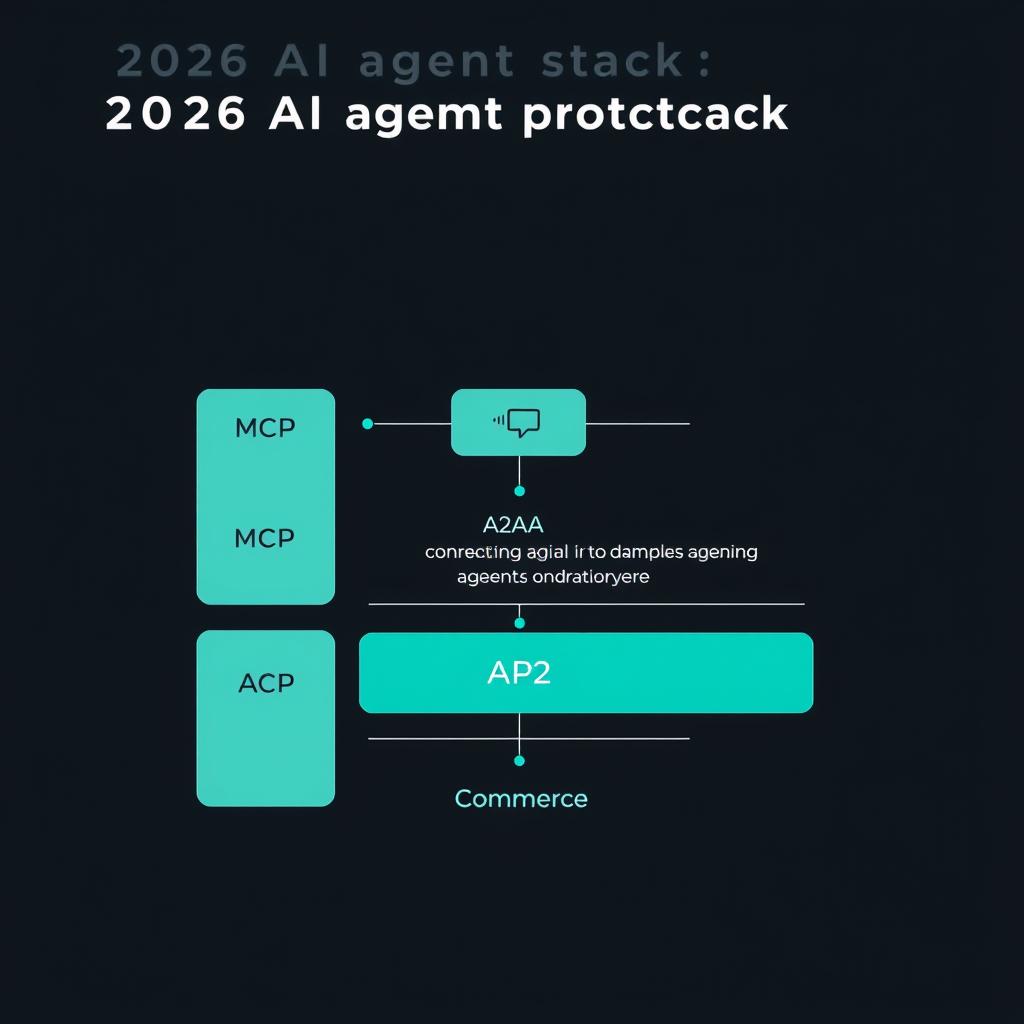
The Model Context Protocol (MCP) connects AI agents to real-world tools — databases, APIs, file systems, and legacy systems — through a single open standard introduced by Anthropic in November 2024. By May 2026, MCP SDKs see ~97 million monthly downloads, 76% of software providers are exploring or implementing it as their connectivity standard, and 40% of enterprise applications will embed task-specific AI agents by year-end (Gartner 2025). MCP Specification
But here’s the problem most teams face: everyone understands what MCP is, but nobody agrees on how to deploy it in production. This guide distills five battle-tested integration patterns — with copy-paste templates for each — so you can skip the trial-and-error phase.
The 5 MCP Integration Patterns
Each pattern solves a different deployment scenario. The right choice depends on your latency requirements, security posture, and agent architecture.
| Pattern | Best For | Latency | Security Model | Effort |
|---|---|---|---|---|
| 1. Local stdio Bridge | Desktop tools, dev workflows, single-user agents | <5ms | Machine-local | Low |
| 2. Remote HTTP Gateway | Multi-service backends, enterprise APIs | 20-100ms | OAuth 2.1 | Medium |
| 3. Agent Orchestrator Hub | Multi-agent systems, role-based delegation | 50-200ms | Scoped tokens | High |
| 4. Edge-Local Replica | Latency-sensitive, offline-tolerant agents | <1ms local | Local trust | Medium |
| 5. Mesh Network | Distributed pipelines, cross-org workflows | 100-500ms | Mutual TLS + OAuth | Very High |
Pattern 1: Local stdio Bridge
When to use: Your agent runs on a developer machine and needs fast access to local tools — file system, terminal, local databases. Zero network overhead.
How it works: The MCP server runs as a child process communicating over standard I/O. No ports, no HTTP, no auth to configure.
Template: File Search MCP Server (Python)
import json, sys, os
from pathlib import Path

def handle_request(request):
    method = request.get("method", "")
    if method == "tools/call":
        params = request.get("params", {})
        name = params.get("name")
        args = params.get("arguments", {})

        if name == "search_files":
            query = args.get("query", "")
            directory = args.get("directory", ".")
            results = list(Path(directory).rglob(f"*{query}*"))[:20]
            return {
                "jsonrpc": "2.0",
                "id": request["id"],
                "result": {
                    "content": [{
                        "type": "text",
                        "text": json.dumps([str(r) for r in results])
                    }]
                }
            }

    return {"jsonrpc": "2.0", "id": request.get("id"), "error": {"code": -32601, "message": f"Unknown tool: {method}"}}

for line in sys.stdin:
    request = json.loads(line.strip())
    response = handle_request(request)
    sys.stdout.write(json.dumps(response) + "\n")
    sys.stdout.flush()
When NOT to use: Multi-user scenarios, remote access, or any deployment where the server and agent live on different machines.
Pattern 2: Remote HTTP Gateway
When to use: Your agents run in the cloud and need to call enterprise APIs — CRM, ERP, ticketing systems — with proper auth and scaling.
How it works: MCP server exposes tools over Streamable HTTP (SSE-based). Clients authenticate via OAuth 2.1 with PKCE. Each request is a RESTful JSON-RPC call.
Template: JIRA Ticket Lookup Server (Node.js)
import { Server } from "@modelcontextprotocol/sdk/server/index.js";
import { StdioServerTransport } from "@modelcontextprotocol/sdk/server/stdio.js";
import {
  CallToolRequestSchema,
  ListToolsRequestSchema,
} from "@modelcontextprotocol/sdk/types.js";

const server = new Server({ name: "jira-mcp-server", version: "1.0.0" }, {
  capabilities: { tools: {} }
});

server.setRequestHandler(ListToolsRequestSchema, async () => ({
  tools: [{
    name: "get_ticket",
    description: "Fetch a JIRA ticket by ID",
    inputSchema: {
      type: "object",
      properties: {
        ticket_id: { type: "string", description: "e.g. PROJ-123" }
      },
      required: ["ticket_id"]
    }
  }]
}));

server.setRequestHandler(CallToolRequestSchema, async (request) => {
  if (request.params.name === "get_ticket") {
    const { ticket_id } = request.params.arguments;
    const response = await fetch(
      `https://your-domain.atlassian.net/rest/api/3/issue/${ticket_id}`,
      { headers: { "Authorization": `Bearer ${process.env.JIRA_TOKEN}` } }
    );
    const data = await response.json();
    return {
      content: [{ type: "text", text: JSON.stringify(data, null, 2) }]
    };
  }
  throw new Error("Unknown tool");
});

const transport = new StdioServerTransport();
await server.connect(transport);
Key considerations:
- Implement request cancellation with
AbortController— agents may time out - Add rate limiting (50 req/min per client is a good starting point)
- Log every invocation with correlation ID for debugging
Pattern 3: Agent Orchestrator Hub
When to use: You have multiple specialized agents (coding agent, data agent, comms agent) that need coordinated access to shared tools with role-based permissions.
How it works: A central MCP server acts as a gateway proxy — it receives tool requests from any agent, validates authorization against the agent’s role, and routes to the appropriate backend. This is the pattern used by production deployments at scale.
Activity: Response Budget Planning
Before scaling to multi-agent, each tool should declare its expected cost in tokens and wall-clock time. This lets the orchestrator reject expensive calls during high-load windows.
When to use: Any production deployment with >2 agents sharing >3 tools. If you don’t budget responses, one agent’s heavy query can starve all others.
Pattern 4: Edge-Local Replica
When to use: Your agent runs at the edge (IoT, mobile, CDN worker) and cannot tolerate network latency for every tool call.
How it works: Deploy a lightweight MCP server alongside each agent instance — or embed the server in the same process. The server caches frequently-used resources locally and syncs with the central authority asynchronously.
Template: Edge Cache for Database Queries
import time, json
from functools import lru_cache

class EdgeCachedMCPServer:
    def __init__(self, ttl_seconds=300):
        self.cache = {}
        self.ttl = ttl_seconds

    @lru_cache(maxsize=128)
    def _query_db(self, sql):
        # Cache hit saves a 50-200ms network round trip
        return {"rows": [], "execution_ms": 15}

    def handle_tool_call(self, tool_name, args):
        if tool_name == "query_products":
            cache_key = json.dumps(args, sort_keys=True)
            cached = self.cache.get(cache_key)
            if cached and time.time() - cached["ts"] < self.ttl:
                return cached["data"]
            result = self._query_db(args.get("sql", ""))
            self.cache[cache_key] = {"data": result, "ts": time.time()}
            return result
When NOT to use: Any scenario requiring real-time consistency — cached data may be stale by up to TTL seconds.
Pattern 5: Mesh Network
When to use: Your workflow spans multiple organizations — a supply chain agent talks to a logistics agent at a partner company, each exposing MCP endpoints.
How it works: Each organization runs its own MCP server(s). Agents discover each other’s capabilities at handshake time via the ListTools endpoint. Communication uses mutual TLS + OAuth 2.1, with each server acting as both client and server (hence “mesh”).
Discovery Flow
// At connection time, each peer advertises its capabilities
const handshake = {
  protocolVersion: "2025-11-25",
  capabilities: {
    tools: {},      // Exposes tools to the mesh
    resources: {},  // Shares read-only data
    sampling: {}    // Can request completions from peers
  },
  clientId: "org-a-logistics-agent"
};
Security note: Mesh networks are powerful but introduce the widest attack surface. Every peer should validate that:
- The connecting client has the right
clientIdscope - Tool results don’t leak credentials between org boundaries
- Rate limits are per-peer, not global
Deployment Decision Framework
Use this checklist before deploying any MCP server to production:
Before you deploy your MCP server, verify:

- [ ] Transport chosen (stdio / Streamable HTTP) — matches your deployment topology
- [ ] Tools are idempotent — retries won't create duplicate records
- [ ] Auth configured (OAuth 2.1 for remote, local trust for stdio)
- [ ] Rate limits set — 50 req/min per client as default
- [ ] Cancellation handler implemented — AbortController or equivalent
- [ ] Structured logging with correlation IDs enabled
- [ ] Tool names are unique and follow consistent convention (snake_case)
- [ ] Error messages include machine-readable codes
- [ ] Server version advertised at handshake time
- [ ] Response budget documented per tool (tokens + latency)
Quick-Start Decision Matrix
| Your constraint | Recommended pattern |
|---|---|
| Single user, local machine | Pattern 1 — stdio Bridge |
| Cloud backend, standard APIs | Pattern 2 — HTTP Gateway |
| Multi-agent, shared tools | Pattern 3 — Orchestrator Hub |
| Edge deployment, offline-first | Pattern 4 — Edge Replica |
| Cross-org data sharing | Pattern 5 — Mesh Network |
| Don’t know yet | Start with Pattern 2 (most flexible) |
Security Comparison
| Concern | Stdio Bridge | HTTP Gateway | Orchestrator Hub | Edge Replica | Mesh Network |
|---|---|---|---|---|---|
| Auth needed | None (local) | OAuth 2.1 | Scoped tokens | Local trust | mTLS + OAuth |
| Network exposure | None | Public endpoint | Internal only | Optional | Public peers |
| Audit trail | Local logs | SIEM-ready | Centralized | Per-instance | Distributed |
| Data isolation | Single user | Per-token | Per-role | Per-instance | Per-org |
The Bottom Line
MCP adoption has crossed the chasm. With 97M monthly SDK downloads, OAuth 2.1 standardization, and major cloud providers on board, the question is no longer whether to use MCP — it’s which pattern fits your deployment. Start with Pattern 2 (HTTP Gateway) if you’re unsure. Upgrade to Pattern 3 (Orchestrator Hub) when you hit multi-agent scale. The templates above will get you from zero to production with the MCP Specification.
← Back to all posts