TL;DR: The Claude Agent SDK (formerly Claude Code SDK, renamed late 2025) gives you the same agent runtime that powers Claude Code — packaged as a Python library you can embed in your own apps. This tutorial walks through installation, the query() entry point, custom tool creation via @tool decorators, MCP server integration, and the hooks system for production guardrails. Complete code included.
Why the Claude Agent SDK Matters in 2026
Most “agent frameworks” are thin wrappers around LLM APIs. You still implement the tool loop, manage context windows, handle failures, and build state management yourself. The Claude Agent SDK is different — it’s a production agent runtime extracted from Claude Code itself.
What this means in practice:
- Built-in tool execution loop — no implementing
while True: think → act → observe - Automatic context management — the SDK compresses, prunes, and prioritizes context so you don’t hit token limits
- First-class MCP support — connect any MCP server (SerpApi, filesystem, databases) with two lines of config
- Hooks system — programmable callbacks at every point in the agent loop for audit, cost control, and safety
Core insight: The SDK doesn’t just call an LLM — it runs a full agentic loop with tool execution, error recovery, and context management built in. You provide the tools and the prompt; it provides the runtime.
Installation and First Agent
mkdir my-first-agent && cd my-first-agent
pip install claude-agent-sdk
Set your Anthropic API key:
export ANTHROPIC_API_KEY=sk-ant-...Minimal agent — one function call:
import asyncio
from claude_agent_sdk import query

async def main():
    async for message in query(prompt="What is the Claude Agent SDK?"):
        print(message)

asyncio.run(main())
That’s it. Behind the scenes, the SDK spins up an agentic loop: the LLM reasons about the prompt, decides if it needs tools, executes them, observes results, and continues until the task is complete.
Two Interfaces
| Interface | Style | Best For |
|---|---|---|
query() |
Simple function call, new session per call | CI/CD, batch jobs, one-off tasks |
ClaudeSDKClient |
Class-based, persistent session | Multi-turn conversations, stateful workflows |
The query() function accepts ClaudeAgentOptions for configuration:
from claude_agent_sdk import query, ClaudeAgentOptions

options = ClaudeAgentOptions(
    system_prompt="You are a helpful coding assistant.",
    allowed_tools=["Read", "Edit", "Glob", "Grep"],
    max_turns=20,
    permission_mode="acceptEdits",
)

async for message in query(prompt="Review this code", options=options):
    print(message)
Building a Research Agent
Let’s build something practical: a research agent that searches the web, fetches content, and summarizes findings.
import asyncio
from claude_agent_sdk import query, ClaudeAgentOptions, ResultMessage

async def research_topic(topic: str):
    options = ClaudeAgentOptions(
        system_prompt="""You are a research assistant. For each query:
1. Search the web for current information
2. Fetch the top 2-3 results for detail
3. Synthesize a concise summary with sources
4. If you hit a paywall, try alternative sources""",
        allowed_tools=["WebSearch", "WebFetch", "Read"],
        max_turns=15,
    )

    async for message in query(
        prompt=f"Research this topic and provide a comprehensive summary: {topic}",
        options=options,
    ):
        if isinstance(message, ResultMessage) and message.subtype == "success":
            print(f"Result: {message.result[:500]}...")

asyncio.run(research_topic("Latest developments in AI agent orchestration 2026"))
The WebSearch tool handles search queries. WebFetch fetches full page content. The SDK manages the loop — the agent decides when to search, when to fetch, and when it has enough information to synthesize.
Note: The built-in
WebSearchtool works for simple queries but can be slow (~85s for complex searches). For production use, connect a dedicated search MCP server (covered in section 4).
Custom Tools with the @tool Decorator
Real agents need custom capabilities. The SDK provides a @tool decorator to define in-process tools that run in your Python process with zero overhead.
import json
import hashlib
from datetime import datetime
from typing import Any
from claude_agent_sdk import tool, create_sdk_mcp_server

# --- Custom security scanner tool ---
@tool(
    "scan_for_secrets",
    "Scan text for API keys, tokens, and credentials",
    {"text": {"type": "string", "description": "Text to scan"}},
)
async def scan_for_secrets(args: dict[str, Any]) -> dict[str, Any]:
    patterns = {
        "AWS Key": r"AKIA[0-9A-Z]{16}",
        "GitHub Token": r"gh[ps]_[0-9a-zA-Z]{36}",
        "API Key": r"sk-[a-zA-Z0-9]{32,}",
        "Private Key": r"-----BEGIN (RSA |EC )?PRIVATE KEY-----",
    }
    findings = []
    for name, pattern in patterns.items():
        import re
        matches = re.findall(pattern, args["text"])
        if matches:
            findings.append({"type": name, "count": len(matches), "redacted": True})
    return {
        "content": [{
            "type": "text",
            "text": json.dumps({
                "safe": len(findings) == 0,
                "findings": findings
            }, indent=2)
        }]
    }

# --- Custom URL content checker ---
@tool(
    "check_url_health",
    "Check if a URL returns 200 OK",
    {"url": {"type": "string", "description": "URL to check"}},
)
async def check_url_health(args: dict[str, Any]) -> dict[str, Any]:
    import httpx
    try:
        async with httpx.AsyncClient() as client:
            resp = await client.get(args["url"], timeout=10)
            return {
                "content": [{"type": "text", "text": json.dumps({
                    "url": args["url"],
                    "status": resp.status_code,
                    "ok": resp.status_code == 200,
                    "latency_ms": resp.elapsed.total_seconds() * 1000
                })}]
            }
    except Exception as e:
        return {
            "content": [{"type": "text", "text": json.dumps({
                "url": args["url"],
                "error": str(e),
                "ok": False
            })}]
        }

# Bundle into an MCP server
security_tools = create_sdk_mcp_server(
    name="security-scanner",
    version="1.0.0",
    tools=[scan_for_secrets, check_url_health],
)
To use custom tools, pass them via mcp_servers and whitelist them in allowed_tools:
options = ClaudeAgentOptions(
    system_prompt="Scan all code for secrets before reviewing.",
    mcp_servers={"security-scanner": security_tools},
    allowed_tools=["mcp__security-scanner__*"],
)
Tool names follow the convention: mcp__<server-name>__<tool-name>.
Connecting External MCP Servers
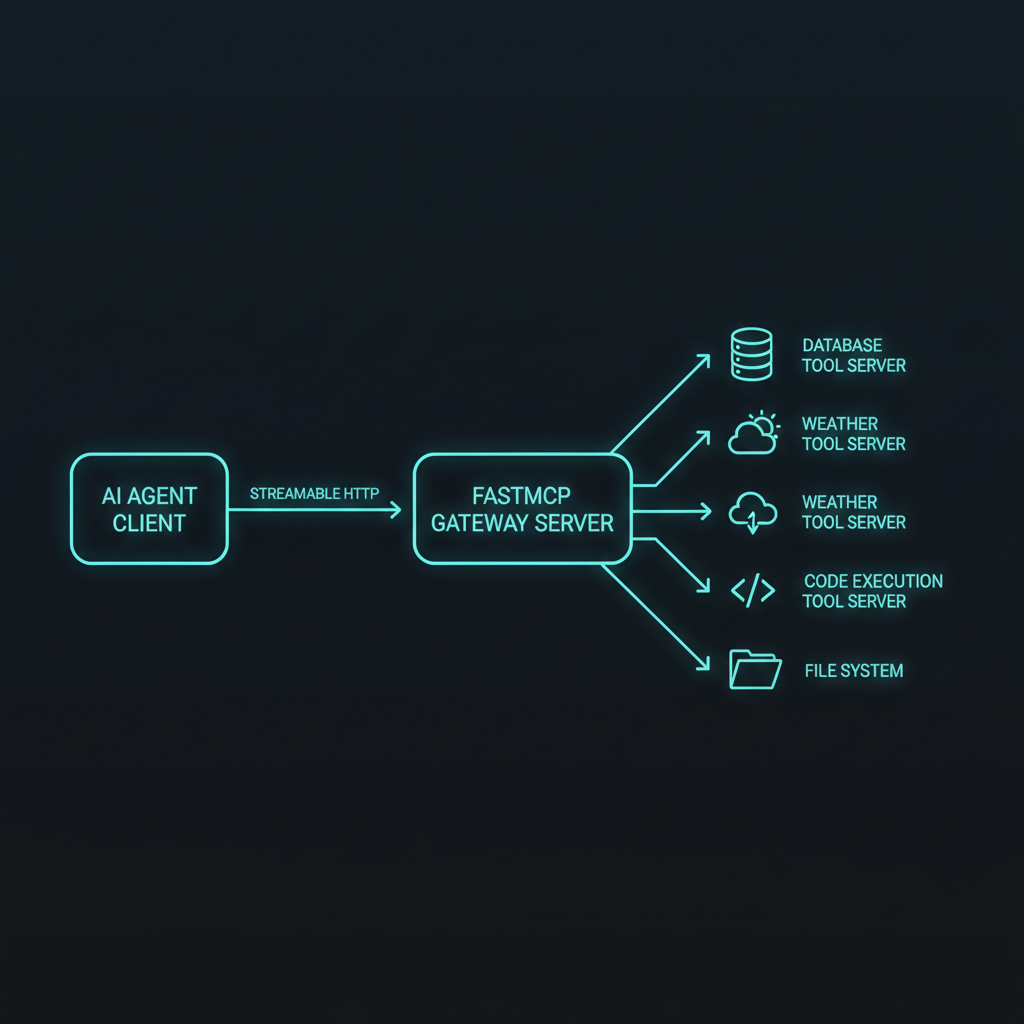
The SDK speaks the Model Context Protocol natively. Connect any MCP server — databases, APIs, search engines — without writing integration code.
SerpApi MCP for Real-Time Search
import os
from dotenv import load_dotenv
load_dotenv()

SERPAPI_API_KEY = os.environ.get("SERPAPI_API_KEY")

options = ClaudeAgentOptions(
    system_prompt="Prefer the SerpApi MCP server for web search.",
    mcp_servers={
        "serpapi": {
            "type": "http",
            "url": f"https://mcp.serpapi.com/{SERPAPI_API_KEY}/mcp",
        }
    },
    allowed_tools=["mcp__serpapi__*"],
)
Filesystem MCP
options = ClaudeAgentOptions(
    mcp_servers={
        "filesystem": {
            "type": "command",
            "command": "npx",
            "args": ["-y", "@modelcontextprotocol/server-filesystem", "/path/to/data"],
        }
    },
    allowed_tools=["mcp__filesystem__*"],
)
Tip: Use a system prompt that explicitly instructs the agent which MCP server to use. Without it, the agent may default to built-in tools instead.
Production Guardrails with Hooks
Hooks are the SDK’s programmable runtime layer — callbacks that fire at specific points in the agent loop. They don’t replace permissions; they add custom logic at each decision point.
Key Hook Events
| Event | When It Fires | Use Case |
|---|---|---|
PreToolUse |
Before any tool executes | Security checks, cost controls |
PostToolUse |
After tool succeeds | Audit logging, result validation |
PostToolUseFailure |
After tool fails | Custom error recovery |
Stop |
Agent finishes | Final summary, metrics |
PreCompact |
Before context compression | Save conversation state |
Example: Read-Only Enforcer
from claude_agent_sdk.hooks import PreToolUse

async def enforce_read_only(input_data, tool_use_id, context):
    tool_name = input_data.get("tool_name", "")
    if tool_name in ["Write", "Edit"]:
        return {
            "systemMessage": "Write operations are disabled in read-only mode.",
            "hookSpecificOutput": {"permissionDecision": "deny"}
        }
    if tool_name == "Bash":
        command = input_data.get("tool_input", {}).get("command", "")
        destructive = ["rm ", "mv ", "git push --force", "DROP TABLE"]
        if any(cmd in command for cmd in destructive):
            return {
                "hookSpecificOutput": {"permissionDecision": "deny"}
            }
    return {}
Example: Cost Guardian
tool_usage = {"count": 0, "cost_estimate": 0.0}

async def cost_guard(input_data, tool_use_id, context):
    tool_usage["count"] += 1
    tool_usage["cost_estimate"] += 0.002  # ~$0.002 per tool call [1]
    if tool_usage["cost_estimate"] > 1.0:
        return {
            "systemMessage": "Cost limit reached ($1.00). Stopping execution.", [2]
            "hookSpecificOutput": {"stopExecution": True}
        }
    return {}
Hooks are passed to ClaudeAgentOptions:
options = ClaudeAgentOptions(
    hooks=[enforce_read_only, cost_guard, ...],
)
Putting It All Together: Production Code Review Agent
Here’s a complete agent that combines everything — custom tools, MCP servers, hooks, and the ClaudeSDKClient class for stateful sessions:
import asyncio
from claude_agent_sdk import ClaudeSDKClient, ClaudeAgentOptions
from claude_agent_sdk.hooks import PreToolUse, PostToolUse, Stop

client = ClaudeSDKClient(
    options=ClaudeAgentOptions(
        system_prompt="You are an expert code reviewer. Review PRs for security, performance, and style.",
        allowed_tools=["Read", "Glob", "Grep", "mcp__code-review__*"],
        mcp_servers={"code-review": review_tools},  # custom tools from section 3
        max_turns=30,
        hooks=[
            enforce_read_only,
            cost_guard,
            audit_logger,
        ],
    )
)

async def review():
    async for message in client("Review the changes in PR #42"):
        print(message)

asyncio.run(review())
Key Takeaways
- The Claude Agent SDK is a full agent runtime, not just an LLM wrapper — it handles the tool loop, context management, and error recovery automatically.
- Use
query()for simple tasks,ClaudeSDKClientfor stateful multi-turn conversations. - Custom tools via
@tooldecorators are in-process with zero overhead — ideal for domain-specific capabilities. - MCP servers connect external services (search, databases, APIs) without integration code.
- Hooks provide programmable guardrails for security, cost control, audit logging, and custom enforcement at every point in the agent loop.
- Start simple — a basic agent with
query()and built-in tools takes under 10 lines of Python. Add complexity (custom tools, MCP, hooks) only as your use case demands it.
The Claude Agent SDK makes production agent development accessible. You don’t need to build a runtime — you just need to define your tools and your prompts. The runtime handles the rest.
Want to dig deeper? Check out the official Claude Agent SDK documentation or explore the Claude Agent SDK GitHub repo.
ub Repository](https://github.com/anthropics/claude-agent-sdk) Anthropic, “Claude Agent SDK GitHub Repository” — https://github.com/anthropics/claude-agent-sdk
← Back to all posts